
RI and Savings Plan discounts in cost calculations
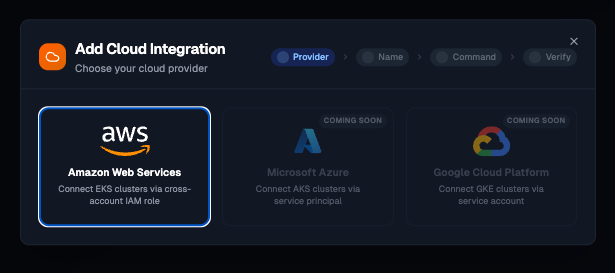
Kubeadapt uses on-demand and spot rates by default, which works without any setup. If you have Reserved Instances or Savings Plans on AWS, you can now connect your account to include those discounted rates in your cost breakdowns.
After connecting, Kubeadapt maps your active RI and SP commitments to the nodes they cover, so costs reflect what you actually pay rather than the on-demand list price.
How it works
Connect your AWS account from Settings > Cloud Accounts. Kubeadapt reads your active commitments directly from AWS APIs and re-computes effective node rates every 15 minutes:
- Reserved Instances: zonal and regional reservations, matched to nodes by instance type, region, and platform
- Savings Plans: Compute and EC2 Instance plans, allocated proportionally across eligible nodes
The effective hourly rate for each node is pre-computed and used for all downstream cost calculations: pod costs, namespace totals, team breakdowns, and right-sizing recommendations.
What changes in the dashboard
Once connected, discounted rates replace on-demand rates across the dashboard. For example, if a node is covered by a 3-year RI at $0.22/hour instead of the $0.384/hour on-demand rate, all pod costs on that node use the lower rate. Right-sizing savings projections also update to use the discounted baseline.
Supported commitment types
| Type | Coverage |
|---|---|
| Standard RIs | Zonal and regional, all tenancy types |
| Convertible RIs | Regional, matched by instance family |
| Compute Savings Plans | Applied across all instance types |
| EC2 Instance Savings Plans | Matched by instance family and region |
For setup details, see the AWS integration guide.